A Long Trip Tomorrow? Finish Charging Close to Departure
You’re leaving for a long trip at 8 a.m. and need a full battery. Charging to 100% the evening before gives you the range, but if charging finishes at 10 p.m., your Tesla spends the whole night parked fully charged.
A useful habit is to finish charging close to when you leave.
Battery aging continues while the car is parked. In Why Is My Tesla Battery More Degraded Than Others With Similar Mileage?, we discuss Dr.EV battery comparison data alongside research explaining how prolonged periods at high charge can accelerate aging. Timing your full charge near departure reduces that waiting time.
Dr.EV makes this easy with Max Range Mode, which defaults to a 100% charge limit, and Charge Completion Time, which adjusts the AC charging current to aim for your chosen finish time.
For an 8 a.m. departure, plug into an AC charger and start charging. Then open Charge in Dr.EV.
1. Set the charge limit for your trip
Under Quick Settings, tap Set. Select Max Range Mode, check that it shows 100%, and tap Apply Settings.

Select Max Range Mode (100%) for a trip that needs a full battery.
2. Choose your completion time
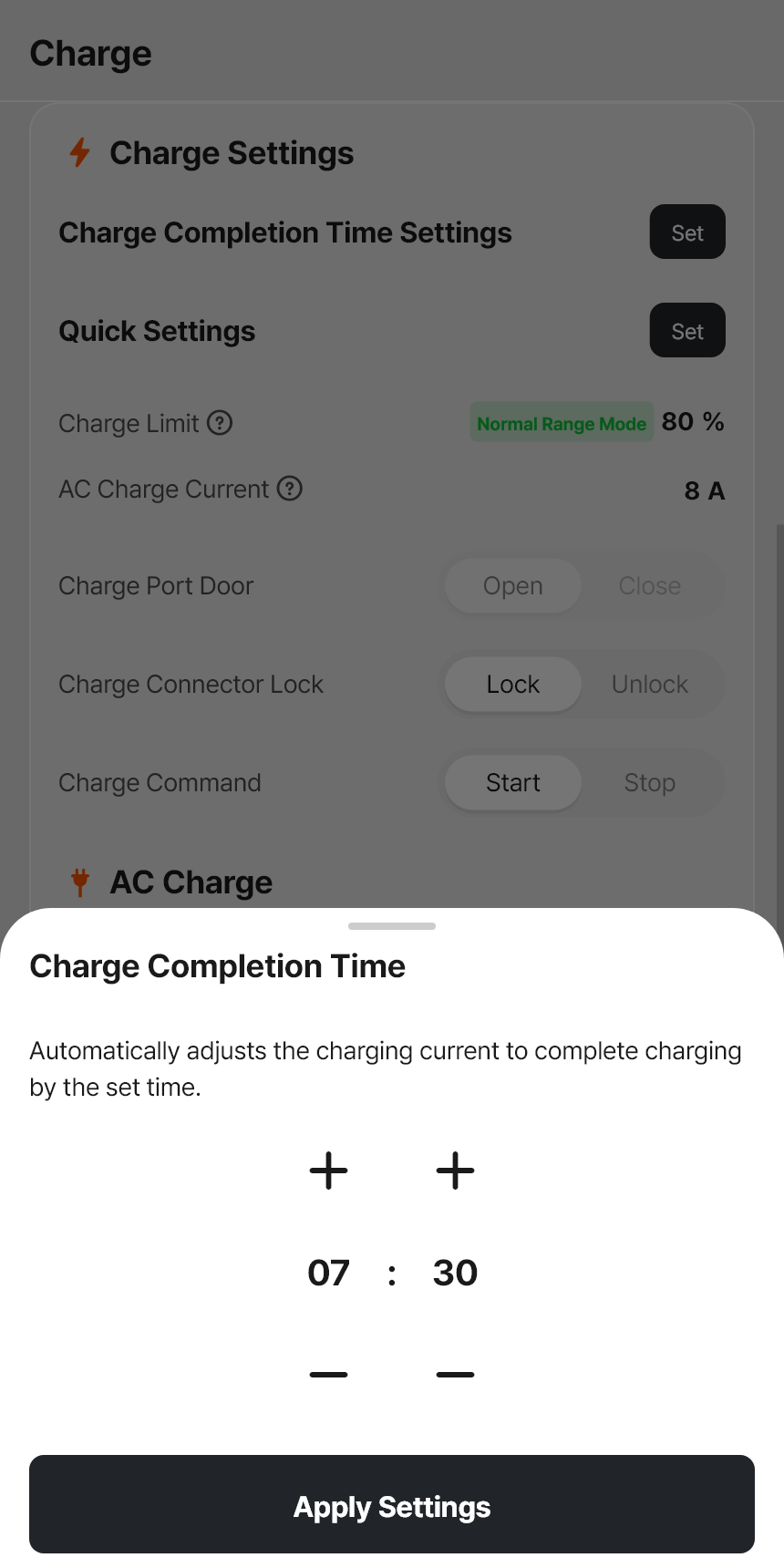
Under Charge Completion Time Settings, tap Set. Choose a time close to your departure, such as 08:00, and tap Apply Settings.

Choose when you want charging to finish.
3. Check the saved settings
The Charge page should show a 100% charge limit and your selected completion time. Dr.EV adjusts the AC charging current to aim for that time.

Example settings: 100% charge limit and 08:00 completion time.
Plug in early enough to reach 100%. The completion time is approximate, so allow a little margin if you must leave at a fixed time.
After the trip, use Quick Settings to return to your usual daily charge limit. Charge Completion Time turns off when charging completes or you unplug, so enable it again for the next session you want to manage.

Comments